
3PLWOW | Practical fulfilment guides
If your Shopify stock does not match the warehouse, start by checking whether the two figures describe the same thing. A physical count, a quantity available to sell and a quantity reserved for orders can all be different without a single item being missing.
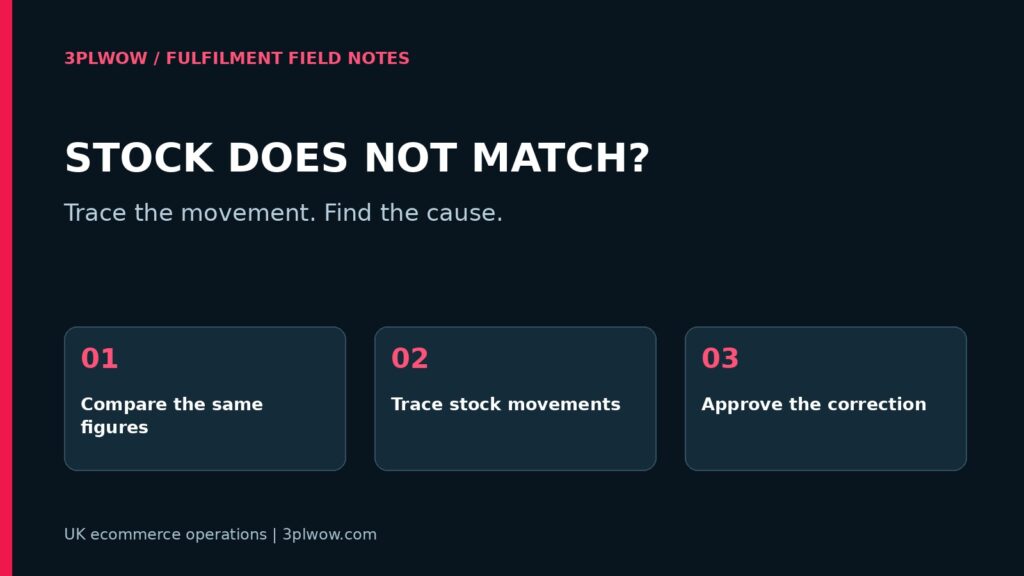
A useful reconciliation follows one SKU through its stock movements. It gives you a reason for the difference before you change either record. Here is a practical checklist for ecommerce teams working with a UK fulfilment warehouse.
Compare the same SKU, location and time
Choose one affected SKU and record the exact identifier in both systems. Check the product variant, warehouse location and unit of measure. A carton of 12 units and 12 individual units must not be treated as interchangeable records.
Take a timestamped snapshot from each system. If orders are still arriving while one team counts and another exports a report, the records may already have moved apart. Agree a counting method and how movements during the count will be captured.
Separate physical, reserved and available stock
A warehouse might physically hold 100 units, with 15 allocated to unshipped orders and five held for inspection. Depending on the agreed definitions, only 80 units may be available for new sales. Comparing 100 to 80 would suggest a discrepancy that is actually explained by reservations and holds.
| Stock category | Units | Meaning |
|---|---|---|
| Physical stock | 100 | Units counted at the warehouse |
| Reserved for orders | 15 | Allocated units awaiting dispatch |
| Inspection hold | 5 | Units not approved for sale |
| Available for new sales | 80 | Physical stock less these reservations and holds |
This is an example, not a universal system formula. Ask your provider what each displayed quantity includes and when it changes. Record those definitions so your team can make the same comparison next time.
Trace the movements since the last agreed balance
Find the most recent point at which both records were accepted as correct. Work forward through receipts, dispatched orders, returns, transfers and manual adjustments. Keep the reference for each movement so the calculation can be checked.
For a simple physical-stock ledger, opening stock plus receipts and accepted returns, less dispatches and recorded write-offs, should explain the closing quantity after any transfers or other authorised movements. Reservations belong in the availability calculation and should not be deducted again as physical dispatches.
Watch for movements posted twice, receipts recorded before counting and returns added back before inspection. Also check whether a cancelled order released its reservation and whether an order was fulfilled outside the normal connection.
Check bundles and product mappings
A bundle can hide the cause of a mismatch. A three-pouch offer needs to consume three component units, even if the selling channel shows one line. If one system reduces a parent bundle SKU while another reduces component SKUs, their stock reports may not be directly comparable.
Check changed SKUs, duplicate barcodes and variants with similar names. Confirm that the product being counted is the product connected to the selling channel. Renaming a product should not be treated as evidence that its mapping is still correct.
Check the timing of updates
Ask which system owns the stock figure and how updates are transmitted. A scheduled import, an order event and a manual adjustment may follow different paths. A successful order import does not prove that the stock update also succeeded.
Request the last successful update time and any relevant error reference. Share the affected SKU and a short time window. Avoid sending passwords or API credentials in a support email. If an old file can overwrite a newer quantity, agree which process should be paused while the records are corrected.
Correct the cause before resetting the total
A manual adjustment can make the numbers match temporarily while leaving the underlying problem in place. First agree the physical count and movement history, identify the reason and decide which record is authoritative for the correction.
Keep an adjustment note with the previous quantity, approved quantity, reason, date and person authorising it. Then check the next genuine receipt or order movement to confirm that the systems continue to agree.
What to send your fulfilment provider
- The affected SKU and variant, plus the warehouse location.
- Both quantities, their definitions and the time recorded.
- The last agreed balance or completed count.
- Relevant receipt, order, return and adjustment references.
- Any bundle mapping or recent product changes.
- The update schedule and last successful connection time, if known.
Questions about stock discrepancies
Should I immediately overwrite Shopify stock?
Establish the reason first. If customers could buy unavailable stock, use an agreed temporary sales restriction while investigating. An unexplained adjustment can conceal the original error.
Does a discrepancy mean the warehouse lost stock?
No. Timing, reservations, unit definitions, mappings and recording errors can also explain the difference. A physical count and movement history help distinguish these causes.
Make stock visibility part of your fulfilment setup
When speaking to 3PLWOW, explain your stores, warehouse locations, bundles and reporting needs. Agree which quantities your team will see, how they update and who investigates differences. Our SKU data checklist helps prepare consistent product records.
Request a fulfilment quote with your SKU count, monthly orders and the stock-control problems you want to resolve. We can discuss a process suited to your operation.